
Whether you’re designing a house, an office building, or an interior space, creating realistic visuals can be one of the most time-consuming and challenging parts of the process.
However, just like many things, interior design and architecture have also been affected by AI. It can now help make this process so much easier. It lets you turn ideas into images in minutes, experiment with different styles, improve existing renders, and even create presentation-ready visuals without starting from scratch every time.
While AI isn’t a full replacement for professional architectural software, it has become a useful tool for simply brainstorming ideas, speeding up workflows, and presenting concepts to clients.
In this guide, we’ll explore how you can actually use AI for architecture and rendering, and compare three of the best tools available today: Krea AI, Leonardo AI, and Adobe Firefly.
Why Use AI for Architecture?
AI can save a lot of time during the design process.
It can help you:
-
Create concept images quickly
-
Test different architectural styles
-
Improve existing renders
-
Put together mood boards
-
Create visuals for client presentations
-
Explore more ideas without spending hours modeling each one
Think of AI as another tool in your workflow. It won’t replace your design software, but it can help you get from an idea to a presentation much faster.
How to Use AI for Architecture and Rendering
-
Start with your idea
Write a short description of what you want to create or upload a sketch or reference image. The more details you give, the better the results.
-
Try different designs
Generate a few versions of your idea to see different styles, colors, materials, or layouts.
-
Improve your render
Use AI to make the image look better by improving the lighting, adding more detail, or increasing the image quality.
-
Create images for presentations
Use your final render to make presentation images, mood boards, or visuals you can share with clients.
-
Make changes if needed
If you’re not happy with the result, change your prompt or edit the image until it looks the way you want.
Best AI Tools for Architecture and Rendering
Now that we know how AI can be used for architecture and rendering, let’s explore three of the best tools you can use to achieve the results you want.
1. Krea AI
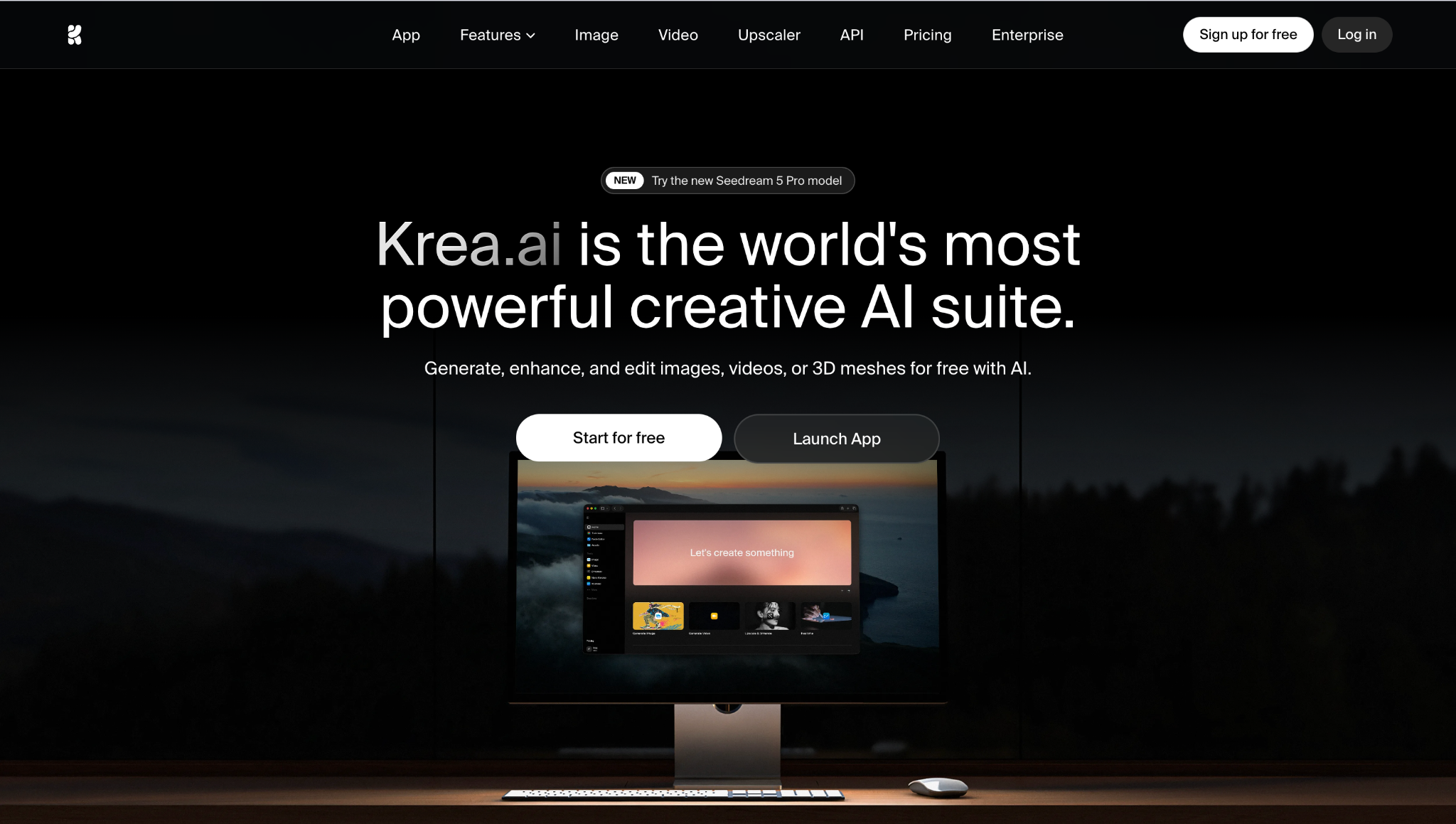
Krea AI is one of the most complete AI creative platforms available today. Instead of only generating images, it also lets you edit, enhance, upscale, animate, and even create 3D objects- all from one place.
Key Features
-
AI image generation
-
Realtime image generation
-
AI image editing
-
Image upscaling up to 22K
-
Text-to-3D and Image-to-3D
-
AI video generation
-
Access to 64+ AI models
-
Asset manager
-
Reference image support
Why It Stands Out
Krea makes the whole creative process much easier because everything is in one place. You can generate a concept, edit it, improve the quality, or even turn it into a short animation without switching between different tools. It’s also very beginner-friendly, so you don’t need a lot of experience to get good results.
Pros
-
Free plan available
-
Very easy to use
-
Great image quality
-
Strong editing and upscaling tools
-
Images, video, and 3D tools in one platform
Cons
-
Some advanced features require a paid plan
Best for: Architects and designers who want one platform for creating and improving architectural visuals.
2. Leonardo AI
Leonardo AI is a popular AI image generator that’s widely used for concept art and design. It’s great for quickly creating architectural ideas and trying different styles before moving into detailed modeling.
Key Features
-
Text-to-image generation
-
AI Canvas editing
-
Style presets
-
Custom AI models
-
Image upscaling
-
Prompt guidance
Pros
-
Free plan available
-
High-quality images
-
Easy editing tools
-
Lots of styles and models
-
Great for concept work
Cons
-
Mainly focused on image generation
-
Some advanced features require a paid plan
Best for: Architects and designers creating concept images and early design ideas.
3. Adobe Firefly

Adobe Firefly is a good choice if you already use Photoshop or other Adobe apps. It combines AI image generation with powerful editing tools, making it easy to improve architectural visuals.
Key Features
-
Text-to-image generation
-
Generative Fill
-
Generative Expand
-
AI image editing
-
Photoshop integration
Pros
-
Easy to use
-
Excellent editing tools
-
Works well with Adobe Creative Cloud
-
Good for commercial projects
Cons
-
Better for editing than creating architectural concepts from scratch
-
Best if you’re already using Adobe software
Best for: Designers and architects who work in Adobe Creative Cloud.
Tips for Better AI Architecture Renders
A few small changes can make a big difference:
-
Be as specific as you can in your prompts.
-
Mention materials, lighting, and camera angles.
-
Use reference images if you have them.
-
Generate a few different versions before choosing your favorite.
-
Upscale your final image for the best presentation quality.
Conclusion
AI is becoming a useful part of the architectural workflow. It helps you explore ideas faster, create better visuals, and spend less time on repetitive work.
All three tools are great options, but Krea AI is the most complete choice overall. It combines image generation, editing, upscaling, video, and 3D tools in one easy-to-use platform, making it a great fit for everything from early concepts to polished presentation visuals.


