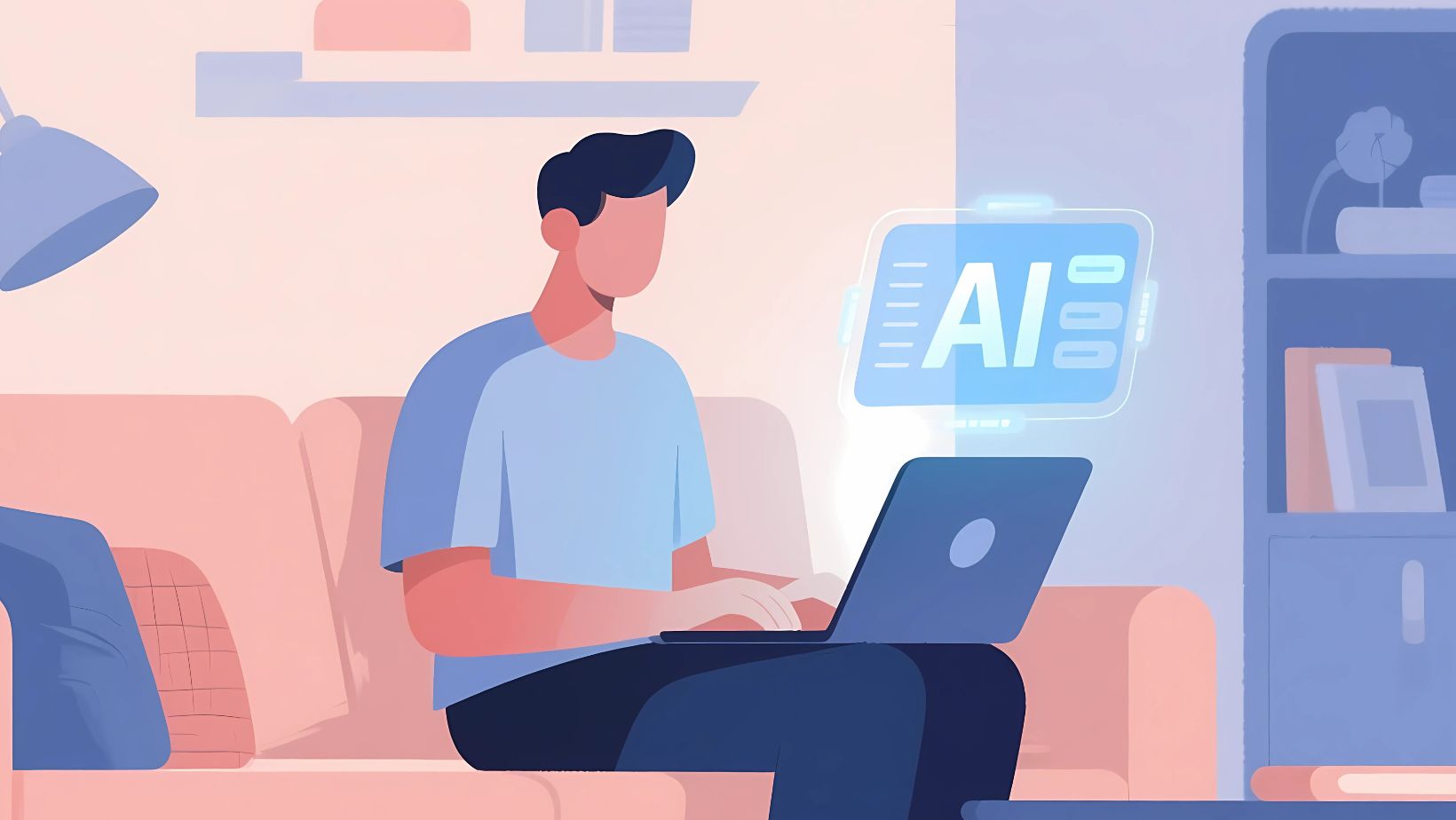
Text-to-image AI and other art generators are gaining traction among artists, marketers, and content creators looking to speed up workflows, meet tight deadlines, or explore new visual styles. Read on to learn how these tools work, which types best suit your needs, and which platforms to explore in 2025—from the DepositPhotos AI Image Generator to Leonardo.AI.
What exactly are AI art generators?
AI art generators are tools that create visual content through artificial intelligence. You don’t need a camera, a paintbrush, or even design experience to start. Instead, just describe what you want to see—and the platform will generate a matching image for you. Many people use them to plan or test visual layouts similar to building a photo collage, especially when experimenting with the composition of multiple elements. These features often feel familiar to anyone who has ever created a picture collage using simple digital tools.
These days, AI image creation tools are widely adopted worldwide. In fact, the number of users is projected to grow by 826.2 million between 2025 and 2031—a sharp rise reflecting how these tools are transforming the way people create and work with visuals. Because of this surge, interest in solutions that complement image generation—such as lightweight collage creator tools—has also increased.
How can AI image generators benefit you?
- Whether you are an artist, designer, marketer, or content creator, these platforms can help accelerate your workflow. You might use them to generate visual references, develop early concepts, or enhance other content with striking imagery. This process often pairs well with traditional layout tools like a collage maker, especially when combining multiple AI-generated assets into a cohesive visual. Some users also blend outputs into a photo collage maker to refine moodboards further, while others arrange inspiration in a quick pic collage before selecting the strongest direction.
- AI image generation tools enable you to produce various visuals in minutes—an advantage when working under tight deadlines or needing a high content volume. Consider this: in 2024 alone, 34 million images were generated daily. This speed makes it simple to assemble thematic collages for campaigns or editorial projects without extensive manual editing.
- Many AI image platforms offer free trials, so you can test their features before committing. Even premium options are far more cost-effective than hiring professional photographers or illustrators. Creators who typically rely on a collage maker free tool for simple layouts often appreciate the higher-quality material produced by AI generators, which can later be arranged or adapted using a picture collage maker if needed.
Types of AI image generators
AI tools for designers and creators vary based on the type of input they require and the images they produce. Here are the four main categories:
- Text-to-image AI tools
These platforms generate new visuals entirely from text prompts. Simply describe what you want to see, and the tool will create a corresponding image from scratch. Many people then bring these outputs into an online layout tool to make a collage from the generated variations as part of their concept exploration.
- Image-to-image AI tools
Such tools allow you to start with an existing image or sketch and use AI to transform or enhance it, applying new styles, refining details, or adjusting a composition. These enhancements can later be combined to make a photo collage when comparing stylistic differences.
- Inpainting/outpainting AI tools
Designed for image editing, these tools fill in missing parts of a visual (inpainting) or extend it beyond its original borders (outpainting). You can use them to swap backgrounds, add new elements, or expand incomplete images. These capabilities often complement the workflow of someone accustomed to using a collage creator or picture collage maker to experiment with spatial arrangements.
- Hybrid AI tools
Hybrid models combine multiple inputs—such as text, image, pose, or depth—to generate more complex and customizable visuals. While offering greater creative control, they often have a steeper learning curve.
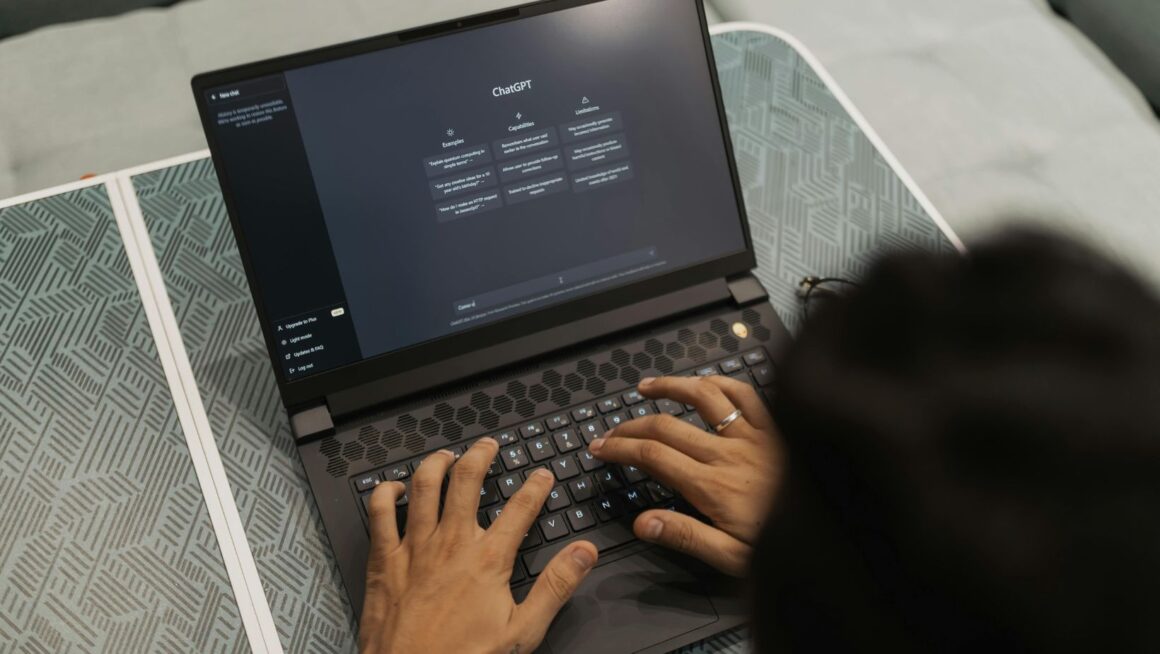
Some artists compare their flexibility to working with an online collage maker, where multiple components come together to form a unified concept.
Best AI image tools for 2025
With so many diverse platforms available today, choosing the right one can feel overwhelming. To help simplify your decision, here’s a curated list of the best AI image tools to try.
Depositphotos AI Image Generator
This sleek, beginner-friendly AI image generation tool from Depositphotos is ideal for anyone looking to convert text into images using AI without worrying about licensing issues. It’s trained to deliver copyright-safe outputs suitable for commercial use. The platform also includes style presets and an upscaling feature to fine-tune the results. These capabilities integrate well with lightweight tools like a collage maker online if you want to arrange multiple generated images into a structured layout, similar to what users often create with a collage maker free platform.
Midjourney
Midjourney is a more advanced AI solution known for producing highly stylized and artistic visuals. It’s a strong choice if you’re aiming to create concept art, fantasy designs, or branded illustrations. Midjourney is particularly useful for moodboards, visual storytelling, and branding experiments thanks to its exceptional rendering quality and large creative community. Many designers export image variations and assemble them in a free collage maker to compare themes. Others generate sets of related visuals and later refine them into a cohesive sequence as they make a collage for presentations or client decks.
DALL-E 3
Developed by OpenAI, DALL-E 3 integrates seamlessly with ChatGPT and Microsoft tools, offering an intuitive experience and excellent natural language understanding. It’s a top-performer for generating AI art from text prompts with high accuracy—especially now that DALL-E can render text within images with impressive precision. However, compared to some other tools, it offers less variety in artistic styles.
Adobe Firefly
Adobe Firefly is designed for users who are already familiar with tools like Photoshop and Illustrator. While the platform has a web-based version, it’s also embedded into Adobe’s creative ecosystem, making generating AI visuals within existing workflows easy. It’s beneficial for producing brand-safe content, marketing assets, and professional design elements. Many creators use it alongside an online collage maker when arranging multiple AI-generated concepts for review. It also works naturally with a photo collage maker when experimenting with visual structure or narrative flow before final production.
Leonardo.AI
Leonardo.AI is a flexible, web-based AI platform that offers extensive control over visual styles, details, and model behavior. Popular among game designers and concept artists, it’s commonly used to generate game assets, product concepts, and UI/UX mockups. While more complex and feature-rich than many other platforms, Leonardo.AI provides greater creative freedom—for instance, you can train models to produce consistent characters across your visuals.
To sum up
Text-to-image AI and other types of AI art generators are revolutionizing creative workflows—making visual content production faster, more accessible, and often more affordable. These tools can give you a real competitive edge and support a steady stream of visuals for your creative projects. From beginner-friendly options like the Depositphotos AI Image Generator to advanced solutions such as Midjourney or Leonardo.AI, there’s something for every need and skill level. Explore the tools featured in this article and see which one works best for your goals.